A Minecraft client, re-centered
Your game.
Your point of view.
Combo brings your in-game tools and settings into one focused client menu—so the experience feels like yours.
Modules Mods Waypoints
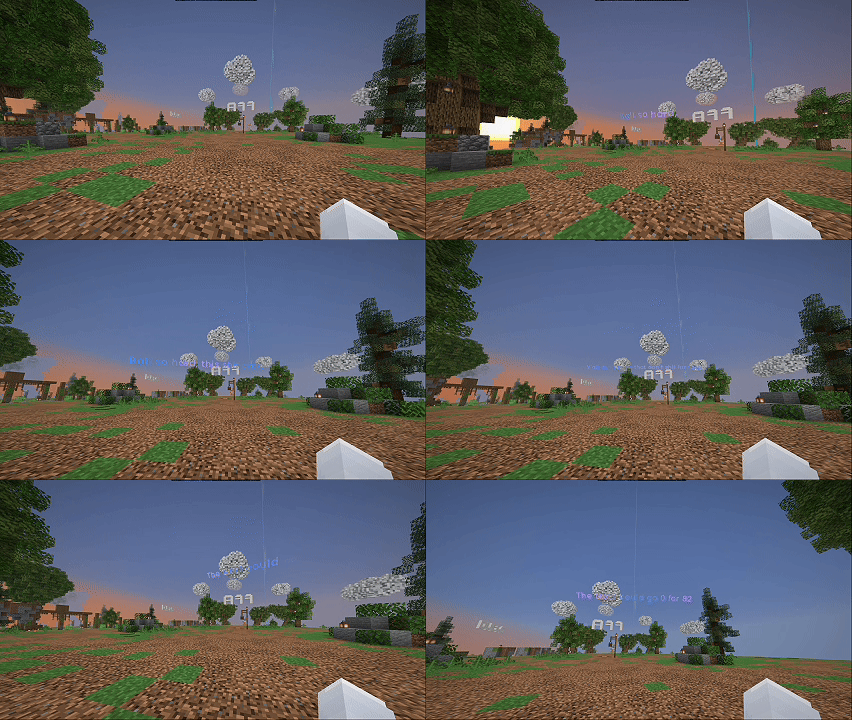
COMBO CLIENT / GAMEPLAY
Stay in the moment.Your world, with Combo in the frame.
01 / 02Scroll to explore
01 / Make it yours
Your setup should feel like your setup.
Pick a menu theme, set an accent, and choose the scale that works for you. The settings stay clear, so you can get back to the world you came for.
- Theme and accent choices
- Menu size and zoom strength
- Presets for a faster starting point
SettingsCLIENT CONFIGURATION
ThemeHow the menus look
ComboMidnightOLEDGlass
AccentHighlight color
Menu sizeSet the scale that feels right
SmallNormalLarge
Zoom strengthAdjust your zoom range
− 14.0× +
PresetsReady-made setups
PvPCleanMine
02 / The essentials
Everything in its place.
A quick tour through the areas visible in Combo’s menu—made to keep your setup easy to navigate.
01ModulesKeep the tools you use easy to find.
02ModsA clear place to manage your mod setup.
03WaypointsKeep favorite destinations close at hand.
03 / Your next session
Find your way into Combo.
Take a closer look at the client and make the next world feel a little more like yours.
Download for Windows